
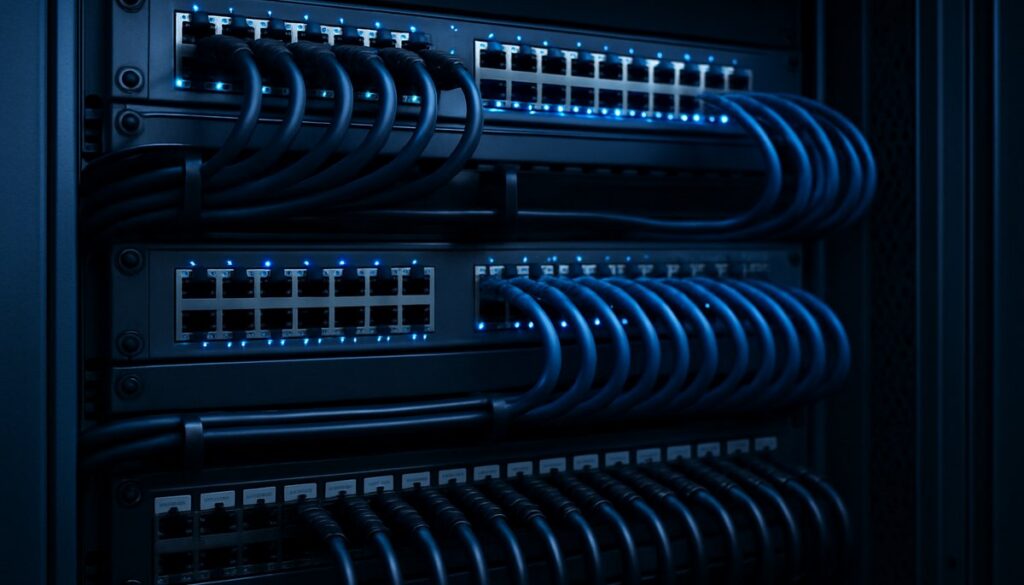
Growing businesses in Manchester and across the North West have a problem that tends to sneak up on them. The network setup that worked fine when there were ten people in the office starts to creak under the weight of twenty, thirty, or fifty. Staff complain about slow file transfers, video calls drop mid-sentence, and no one can quite pinpoint why. The answer, more often than not, lies in network performance optimisation.
This isn’t a niche concern for large enterprises. Any growing business that relies on its IT infrastructure — which is every business in 2026 — needs to understand what network performance optimisation actually involves, when to act, and what the payoff looks like.
Why Network Performance Degrades Over Time
Networks don’t fail dramatically. They slow down gradually. A few extra users here, a new cloud application there, a video conferencing platform that didn’t exist two years ago. Each addition places new demands on infrastructure that was never designed to handle it.
Common causes of network degradation in growing businesses:
- More devices competing for bandwidth — smartphones, laptops, VoIP handsets, and smart printers all share the same connection
- Cloud-heavy workflows — Microsoft 365, Salesforce, and similar platforms generate constant upstream and downstream traffic
- Unmanaged or outdated kit — consumer-grade switches and ageing access points bottleneck the whole network
- No traffic prioritisation — a 4K YouTube video gets the same priority as a critical VoIP call
- Flat network architecture — everything on the same segment with no segmentation or QoS rules
If any of those sound familiar, your network probably needs some attention.
What Network Performance Optimisation Actually Involves
Network performance optimisation isn’t a single fix. It’s a structured approach to making sure your infrastructure keeps pace with your business. Here’s what it typically covers.
Bandwidth Assessment and Monitoring
Before you can fix anything, you need to know what’s happening. A proper network assessment maps all devices, monitors traffic in real time, identifies bottlenecks, and pinpoints which applications are consuming the most bandwidth. Many Sale and Manchester businesses are surprised to discover that their internet connection is perfectly adequate — it’s internal congestion causing the slowdowns.
Quality of Service (QoS) Configuration
QoS rules tell your network which traffic gets priority. VoIP calls, video conferencing, and business-critical applications get precedence over general browsing or file downloads. For businesses running Teams or Zoom, proper QoS configuration can transform call quality almost overnight — without touching the internet connection at all.
Network Segmentation
Splitting your network into separate segments — one for staff devices, one for guests, one for IoT devices, one for servers — improves both performance and security. Traffic stays where it belongs, and a compromised device on the guest network cannot reach your main systems. Our network management service covers segmentation as standard for all clients.
Targeted Hardware Upgrades
Sometimes the bottleneck is physical. An eight-port switch from 2017 handling fifty devices, or access points that only support Wi-Fi 5 in a building where everyone has moved to Wi-Fi 6 devices. Targeted hardware investment, rather than wholesale replacement, is usually the most cost-effective approach — and the performance gain from a single switch upgrade can be immediate.
WAN and Connectivity Optimisation
If your business is still running on a standard broadband connection while staff numbers have doubled, it may simply not be fit for purpose. SD-WAN technology allows businesses to aggregate multiple internet connections, intelligently routing traffic across them for resilience and speed. It’s particularly useful for businesses with multiple sites across Greater Manchester and Trafford.
The Business Case for Getting It Right
Network performance isn’t just a technical issue — it has a direct impact on productivity and staff morale. Research consistently shows that slow technology is one of the leading frustrations for office workers, and that frustration has a measurable cost.
Think about it practically: if twenty members of staff each lose fifteen minutes a day to slow network performance, that’s five hours of lost productivity daily. Over a working year, that’s more than 1,200 hours. For a Manchester business paying average salaries, the cost runs well into five figures annually.
There’s also the matter of first impressions. A client visiting your office and experiencing a choppy video call, or a presentation that takes three minutes to load on a shared screen, reflects poorly on the business — regardless of how good your actual service is. Small things add up.
Beyond productivity, a well-optimised network also strengthens your security posture. Segmented networks, monitored traffic, and up-to-date firmware all reduce your attack surface. Our business IT support team regularly finds that network improvements and security hardening go hand in hand — sorting one tends to improve the other.
Signs Your Network Needs Attention Now
You shouldn’t wait until things grind to a halt. These are the warning signs that network performance optimisation is overdue:
- VoIP or video call quality is poor or inconsistent
- File transfers to shared drives are noticeably slower than they used to be
- Staff regularly complain about slow internet, even with a solid broadband package
- You’ve added more than five or ten staff since your last network review
- Your switches and access points are more than five years old
- You have no visibility into what’s happening on your network day to day
- You’ve moved to cloud-based applications without updating your network infrastructure
Two or more of those? It’s worth getting a proper network assessment.
How to Start: A Practical Approach
The most common mistake businesses make is throwing hardware at the problem without understanding what’s actually causing it. Buying a new router when the issue is an overloaded switch, or upgrading broadband when internal traffic is the bottleneck, wastes money and doesn’t solve anything.
A better approach:
- Start with a network audit — understand what you have, how it’s configured, and where the pinch points are
- Prioritise quick wins — QoS rules, firmware updates, and basic segmentation can deliver immediate improvements
- Plan hardware upgrades strategically — replace the kit that’s actually causing problems, not everything at once
- Implement ongoing monitoring — so you catch the next bottleneck before it becomes a crisis
If you don’t have in-house IT resource to run that process, this is exactly where a managed IT support partner earns its keep. We can also help with cloud services integration and connectivity if your growth plans involve moving more workloads off-site.
Working With Local IT Experts in Manchester
PC Express IT has been supporting businesses across Manchester, Sale, Trafford, and the wider North West for over 20 years. We understand the specific challenges of growing businesses — particularly that moment when the infrastructure that worked at ten people starts to buckle at thirty.
Our network management service includes ongoing monitoring, regular performance reviews, and proactive intervention before problems become outages. We also provide business IT support on a fully managed or flexible basis, so you get exactly the level of support that makes sense for your size and growth stage.
If you’re concerned about network performance, or you’d just like an honest assessment of where things stand, get in touch with our Manchester team. A network health check usually reveals more than most businesses expect — and the fixes are often more straightforward than you’d think.
